Facebook Pinterest Instagram Bloglovin' Teachers Pay Teachers Image Map
Showing posts with label data tracking. Show all posts

Assessment Data with a FREEBIE from Dianna [Sassy, Savvy, Simple Teaching]


Most of us are currently wrapping up the first quarter of school or have already done so! Whoa, did it just fly by for me! My life has been a HUGE whirlwind over the past few months, full of changes, but I'm happy to be back here today with my Elementary Entourage family and our readers! 

So, I have made a change in the assessment data I currently keep... I'm now back in the classroom in 5th Grade! I teach ELA to 50 lovely kiddos and feel so blessed to have had this opportunity at our neighborhood school that my child attends! 

Anyhow, I've really had to get my data binder for 50 organized!!!!!!!!!!! What a task!!!!!!!!!! Changing my mindset from a Literacy Coach looking at school and grade level data to now looking at individual student data according to my personal instruction. Especially being in a new state [well, returning] that is slightly different than my previous state. But, the bottomline is no matter where you are, tracking data is essential to your instruction.

So here's what is currently in my Data Binder!

ELA Data Sheet:
I created this data sheet to help me get the "whole child" picture and to see the data progression throughout the school year.
This data sheet tracks the past two previous grades in the categories of: State Assessments, Reading Level, Reading Grade, FAIR, Writing Grade, RTI, etc... Those categories continue for this school year along with MobyMax. 

FREE:
I created this in an editable document for FREE for everyone to use and adjust to your personal needs!
[Click below on any of the photos for direct links!]


Standard Data Sheets:
The next thing I use is my Standard Data Sheets from my Grade Level Data Binder Products. These data sheets allow me to specifically focus on standards, which is my Core Tier 1 Instruction for all students. You can use these sheets in a variety of ways. I use them to look at mastery, assessment, etc... This also transfers into the small group instruction I use. I meet with groups on their instructional reading levels along with groups who need remediation in specific standards, skills and strategies.

As a Literacy Coach, I created this versatile Data Sheet for K-5! I am currently now using it myself.


Reading Level Growth Tracker:
I also track reading levels in my data binder. I use this Reading Level Growth Tracker for individual students and to look at my entire class. This helps me look at my class as a whole and my students individually when it comes to independent reading levels.

This form I use for each student to graph their progress throughout the school year:

These 2 forms I use to see my class as a whole:


These 2 forms I use after I track my data to help plan my small group instruction:


I hope you find this post useful in some way, shape or form! As assessments continue to change in schools some things will always remain the same... Core Instruction [our standards] and reading levels!

Assessment w/Tickled Pink in Primary

Do you dread report card time? It can be very time consuming to pull each student back and give assessments. I have an assessment system that I use that I find helpful in organizing student work and checking their progress. 
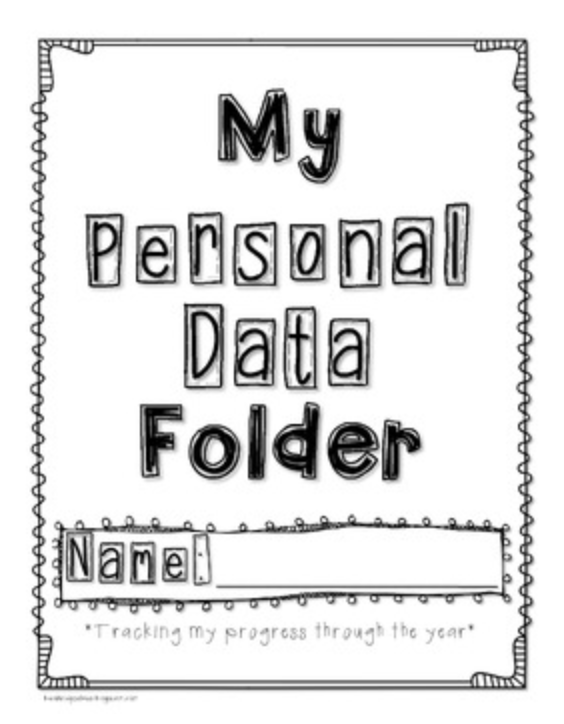
A few years ago, our district implemented data dashboards. We have to have a bulletin board graphing the progress of the class as a whole on certain skills. I decided to also create individualized folders for students to track their own data as well.
Instead of pulling students back all at once in October for report cards, I work with students individually periodically to see how they are progressing. Sometimes I work with them at center time so they don't even know I'm assessing them! One thing I love, is having all of a child’s assessment data in 1 spot! This makes it very easy if a parent or administrator has a question about how a kid is doing. I can also have my aide or parent volunteer take the folder to see what skills that particular students needs to work on.
For the cover of the folders, I use full sheet labels that I got a Office Depot. I also found them on Amazon below. Of course, you can just glue them on too. I have a variety of covers, so you can customize a folder to your student’s skin color and hair color. :)

I have tracking sheets included in the folder for things such as letters, beginning sounds, sight words, and numbers. My Kindergarten Assessment & Data Folders set includes some flashcards as well to use with these tracking sheets.
I use different colors of pens and crayons to graph the results and show how students are progressing.
I think it is very important to let the students color in the graph. This helps them take ownership and pride in their work and progress.
The folder contains very basic Kindergarten skills and doesn’t include every single thing I need for report card time, but these are the basic skills I felt that I needed to test verbally. I can use other worksheets to test number sense, math facts, etc. therefore I didn’t include that in the folder.
The Dolch Primer sight words are the list I used for this file since it is a common list. However, since we all dont teach the same sight words, I created an editable file so you can edit the sight word tracking sheet and the sight word flashcards.
I’m sure you have your own set of assessment sheets for report card time, but hopefully giving you the idea of creating individualized folders will help save you time by having everything for each kid all in 1 place. If you're interested in my Data Dashboard folders, you can find them here. Do you have any tips/tricks for assessment time?

Cramming It All In {The Super Sparkly Teacher}


We all know that it can be such a challenge to fit everything into our busy schedules. There is so much reading, teaching, and assessing to do. In the first grade world, sight words require much attention. I have found a few ways to work them into our jam-packed day.

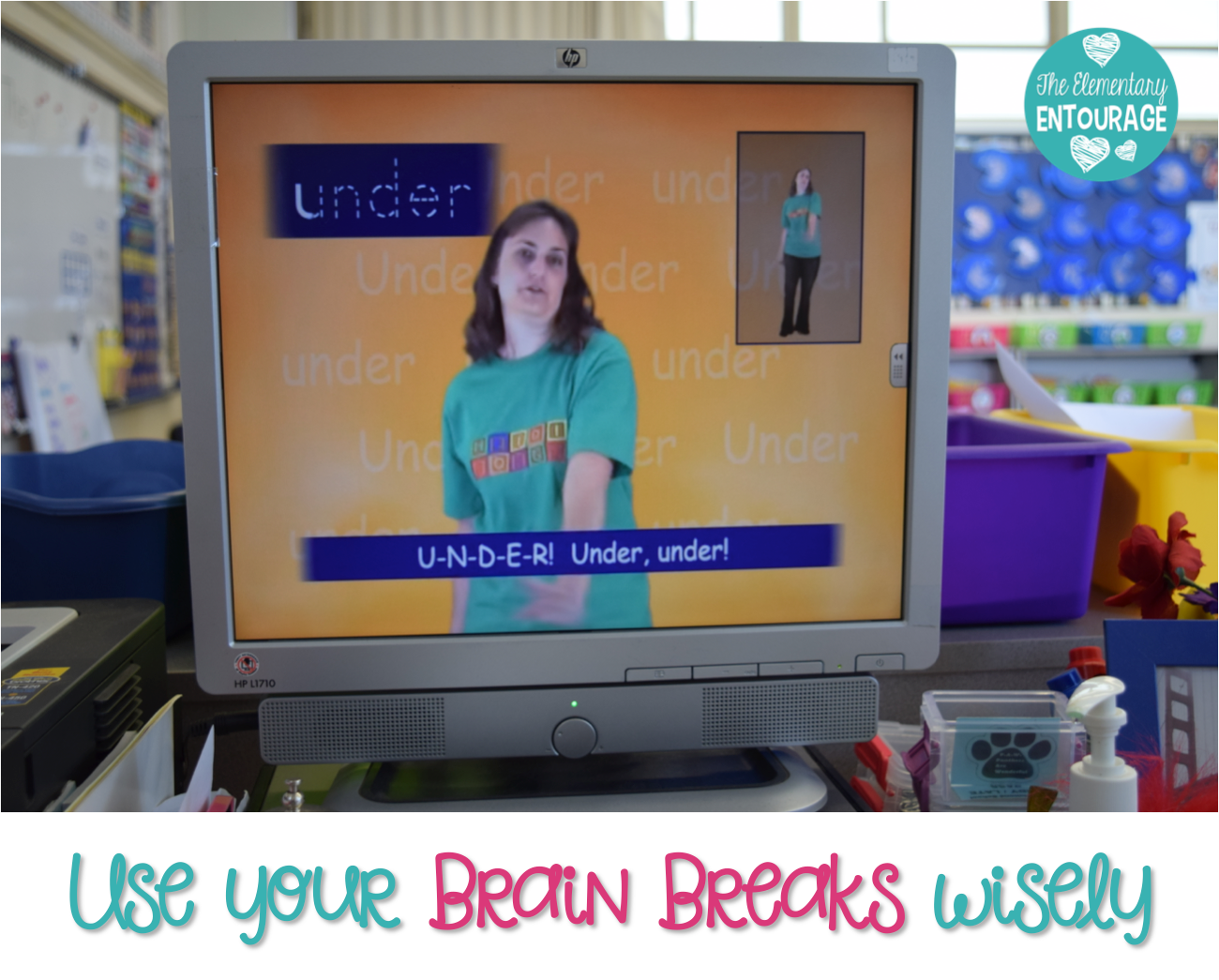
I have replaced many of my GoNoodle brain breaks with HeidiSongs. My kiddos are still dancing, moving, and having fun, but shh... they're learning too. They ABSOLUTELY love the HeidiSongs videos. I recently stocked up on DVDs during her Labor Day Sale, but I'm sure there'll be another sale soon enough. Also, if you can't afford the DVDs right now, some of her videos are on Youtube {click HERE}.  #sneakyteacher

You can also play or sing the songs during transitions. My kiddos have already learned a few to the point where they can just sing them aloud. We sang them as we transitioned from one class to another during a school-wide event.


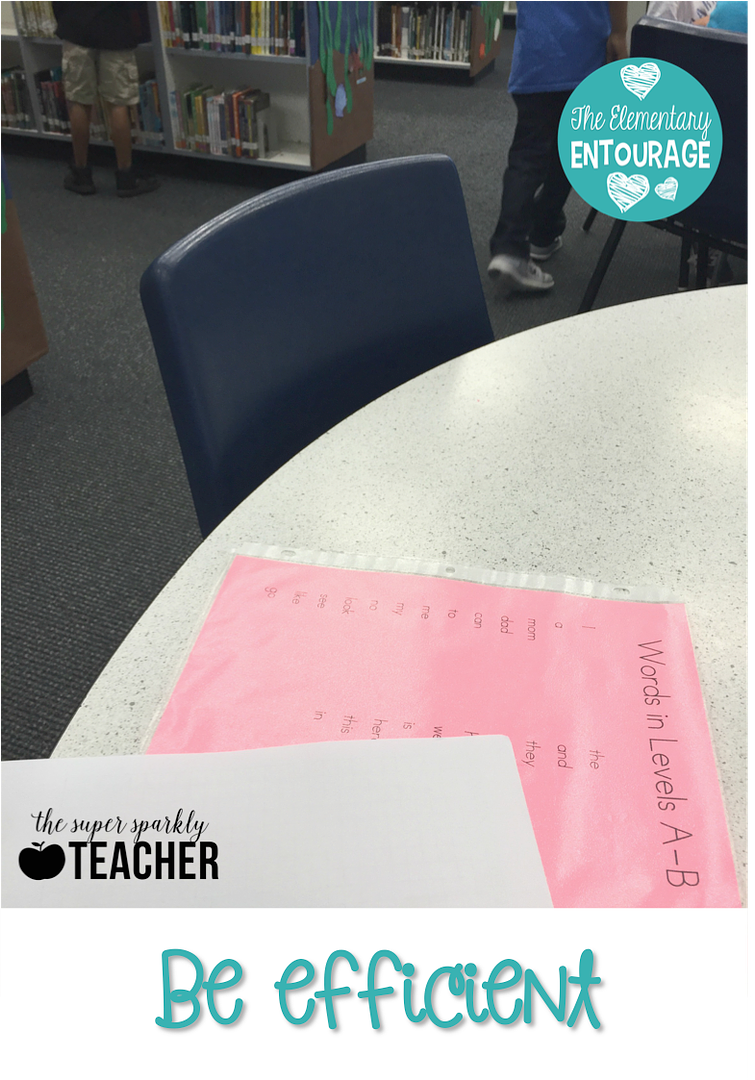
It's taken time, but I've learned how to make the most of my time. When we visit the library, I always take my assessment materials. I pull a few students and work in sight word practice and/or assessments. I always have up-to-date information on where my kiddos are. Is there a time when you can sneak in a little practice with even just one kiddo? Even on Picture Day I carried around my sight word list. #beefficient

I hope that you too are able to find some ways to cram it all in and have a successful school year!


Tracking Reading Data {The Super Sparkly Teacher}


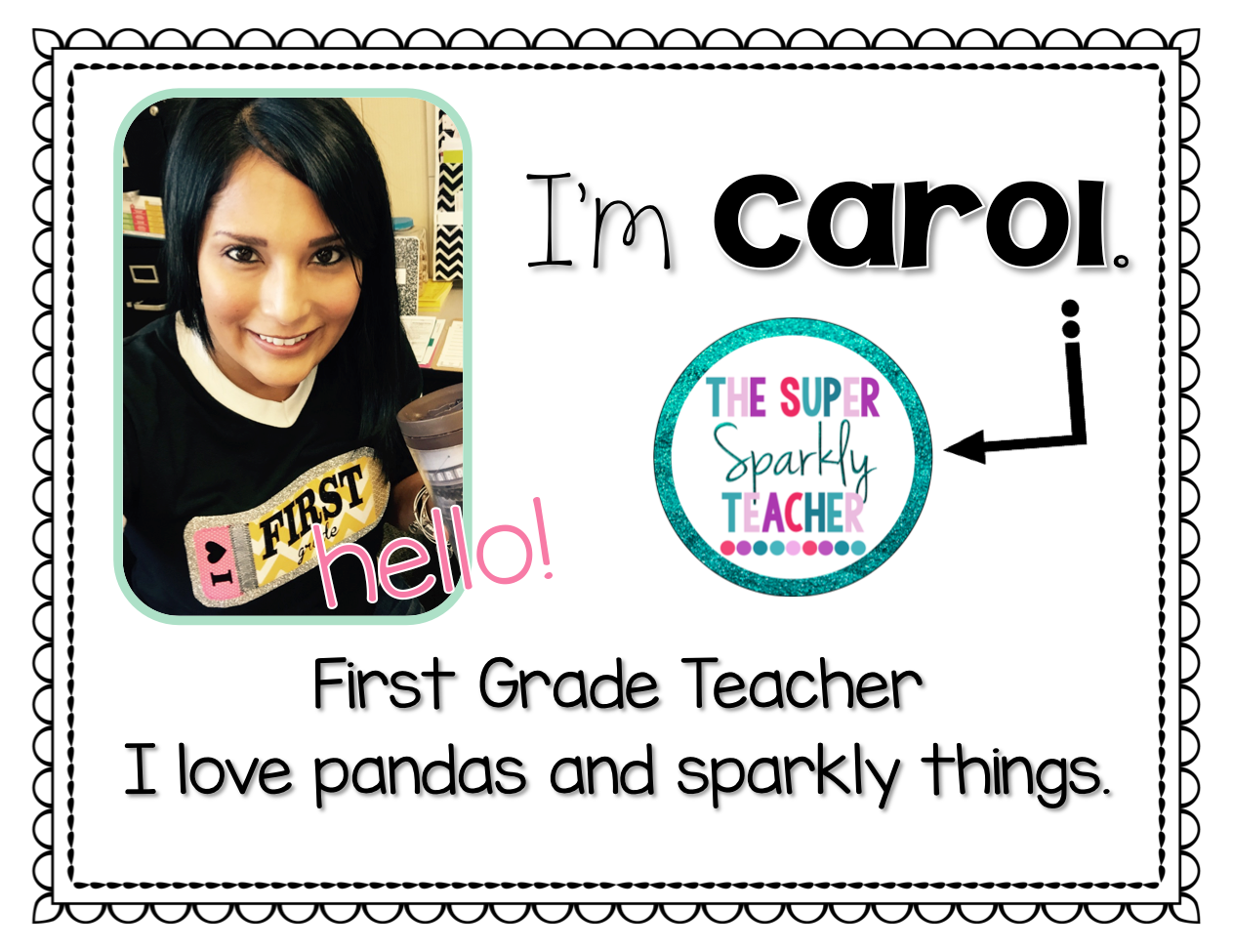
Hello friends! I’m going to share about how I track reading data, but I want to take a moment to introduce myself. I’m Carol from The SuperSparkly Teacher! I’m one of the newest collaborators and am thrilled that I’ve been welcomed into the Elementary Entourage family. This is my sixth year teaching. My first four years were spent in second grade and I sometimes miss it. Although I do love all the crafts my firsties get to do.
first grade teacher
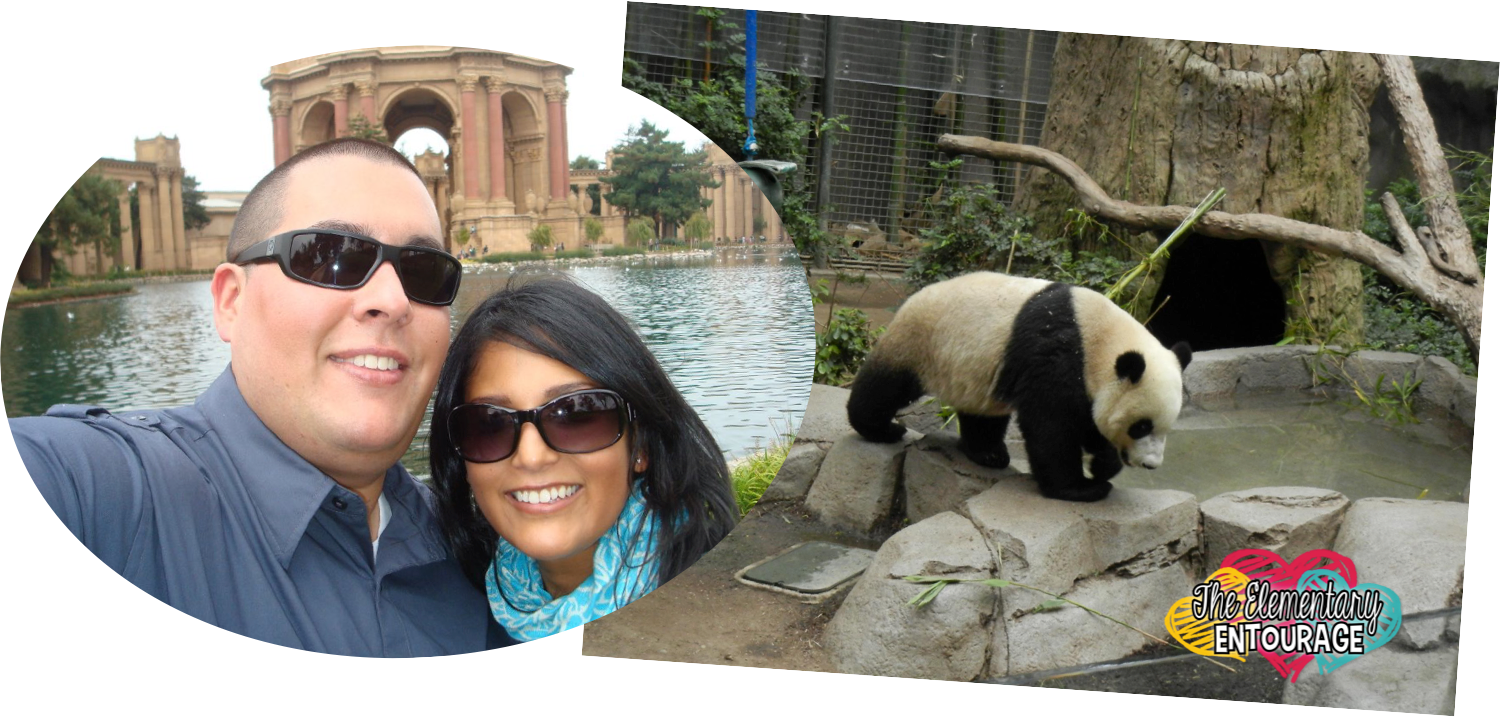
I enjoy traveling with my husband. So far, we've done a lot of touristy things in many big cities across the country. I'm looking forward to foreign exploration in the future. 
reading level
So, I don’t usually get excited about tracking data. But I do get excited when it comes to reviewing student progress and growth. In first grade, there is definitely a lot of growth when it comes to reading. Here are some of the ways I monitor my students’ progress.
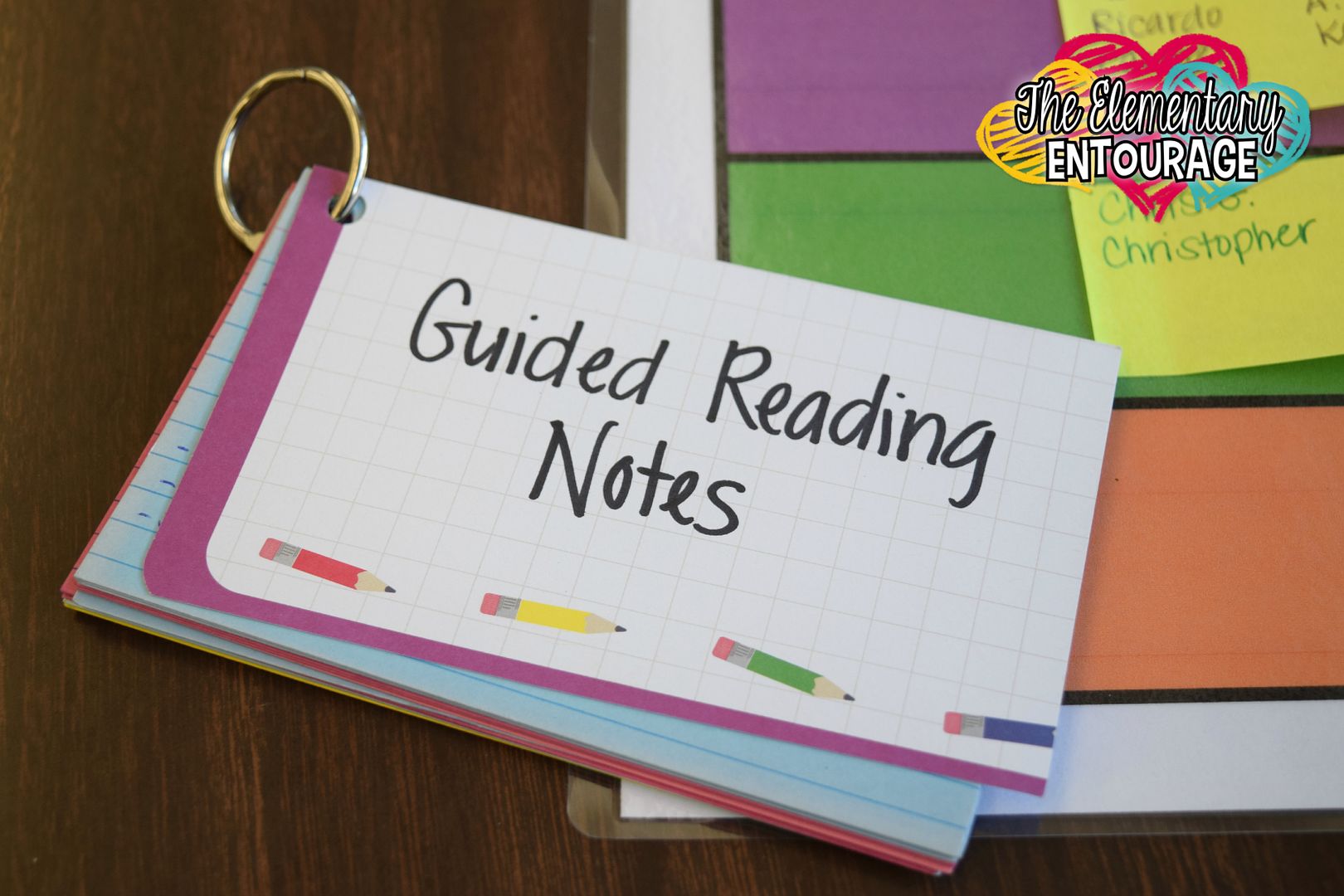
guided reading notes
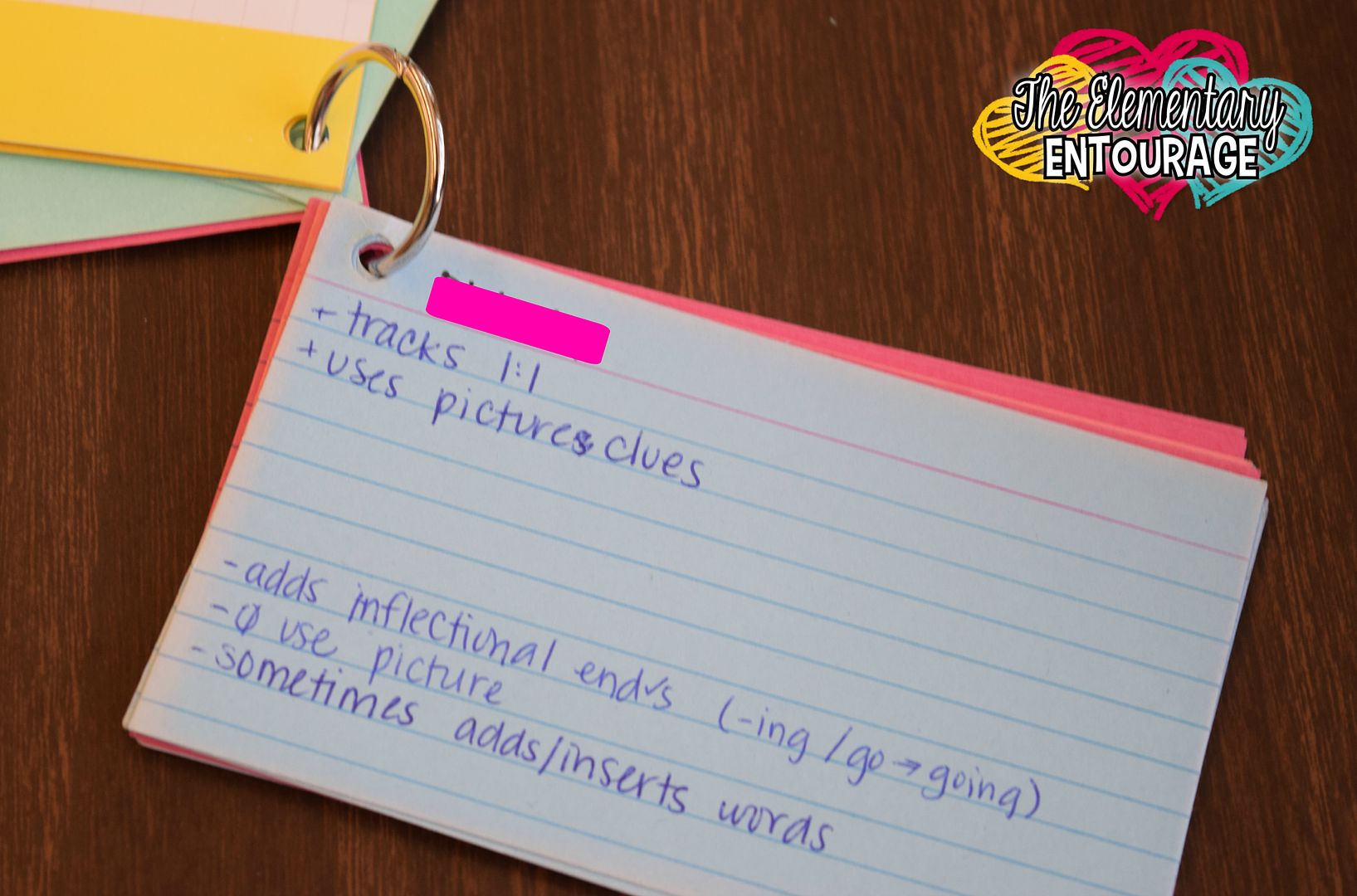
anecdotal notes for guided reading
When it comes to report cards, I am expected to share what students are able to do and what they’re still working on. A few years ago, I started recording anecdotal notes on index cards. It is so helpful! I put the things they are doing well at the top (with a plus), and things we need to work on at the bottom (with a minus).

I group the cards by reading groups/levels. I can move the cards around if a student moves to a different group. The cards don’t take up a ton of space on my cluttered table either. I tried using a form (that was much more formal), but I was so distracted because it meant there was one more thing on my table. #easilydistracted 
Click HERE to see it on TpT
Have you come across this Basic Data Folder on TpT? It’s a freebie that was created by Christina Brainbridge. It has so many charts! I have students chart their reading level every month. It’s fun to see their growth especially as time passes.


reading data
I keep all of my Reading Data in a binder with Avery dividers. Each student has a spot for his or her current running record, reading level graph and sight word graph. It’s handy enough that when I have an extra helper, they are able to update any of the information with the student.


Would you like to snag the chalkboard binder cover for yourself? Click {HERE} to download it for free. #freebiealert

Well friends, thanks for sticking around! I can't wait to come back and share again next month. 

Have a super sparkly day!